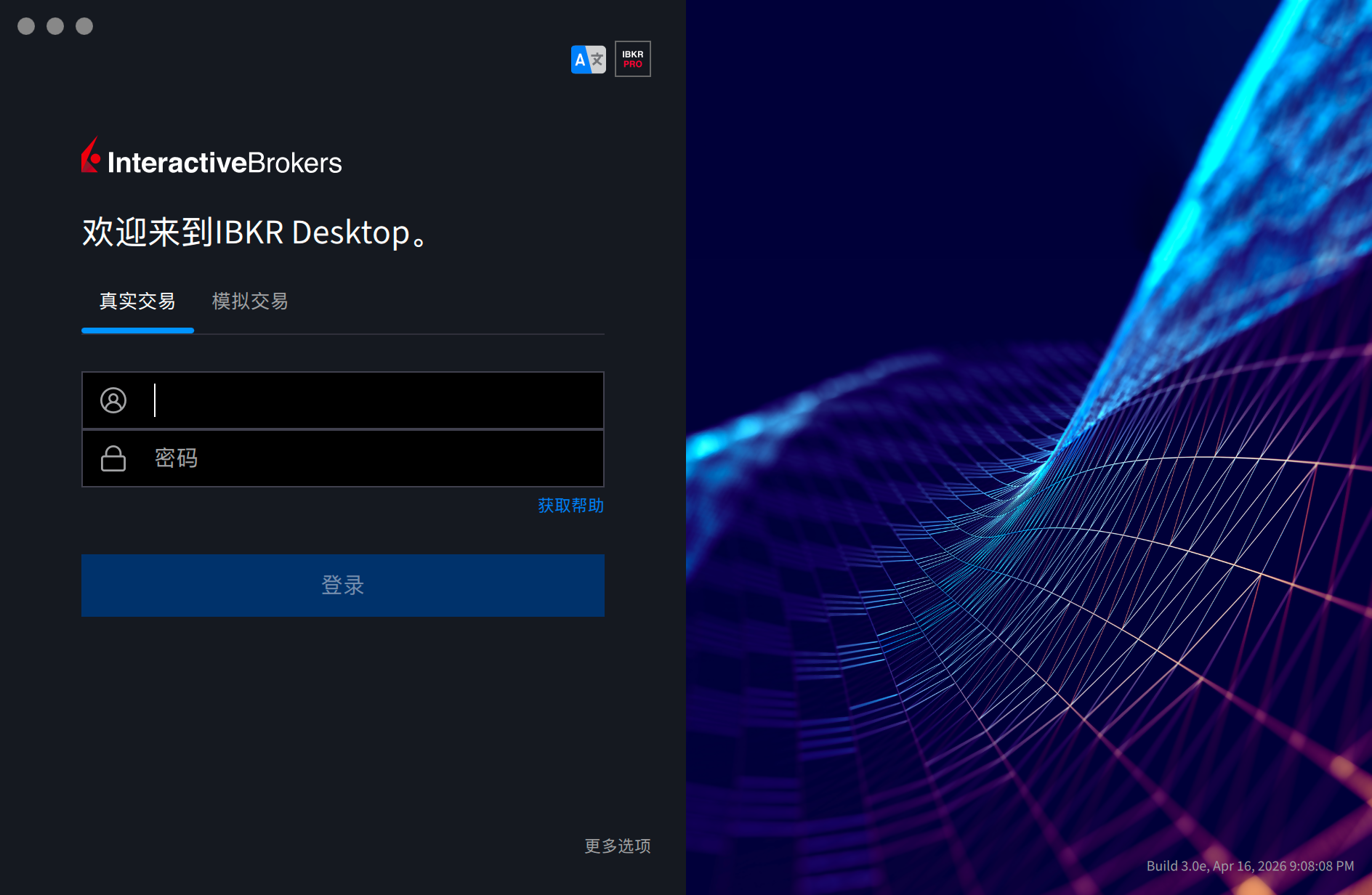
IBKR Desktop交易程序
安装后无法打开
请注意不要到interactivebrokers.com下载,这会配置自动更新服务器为download2.interactivebrokers.com,而此网站在国内无法访问;
正确来说应该前往香港网站下载对应的交易程序,请注意并非interactivebrokers.com.hk,而是香港域interactivebrokers.hk,访问下载页面通过地址https://www.interactivebrokers.hk/cn/trading/ibkr-desktop-download.php即可;需要注意请观察安装程序下载地址来源是否为https://download.ibkr.com.cn/installers/ntws-cn/latest-standalone/ntws-latest-standalone-macos-arm.dmg,若为ibkr.com.cn时客户端才将配置正确的亚洲网关。
实测不走代理也可以正常打开软件并且登陆,图表加载也比较顺畅。
安装后无法打开 【Deprecated】
此问题在国内出现的概率会比较高,在家里有NAS的情况下,会自动透明代理,所以可以正常打开。
情况分析
核心原因是IBKR Desktop的自动更新服务的问题,从macOS上的Application提取启动信息,可以发现有自动更新程序:
<string>-Dtwslaunch.autoupdate.serviceImpl=com.ib.tws.twslaunch.install4j.Install4jAutoUpdateService</string>
<string>-DupdateDownloadUrl=https://download2.interactivebrokers.com/installers/ntws/latest-standalone</string>
<string>-DinstallerUrl=https://download2.interactivebrokers.com/installers/ntws/latest-standalone/ntws-latest-standalone-macos-arm.dmg</string>可以看到这里检查请求了https://download2.interactivebrokers.com/installers/ntws/latest-standalone这个地址,而这个地址在国内其实访问不到,所以必须使用代理访问这个,当访问不到这个的时候,程序就会一直占用CPU并且无法启动。
代理组添加
因此,我添加了两个规则集,第一个是https://github.com/evalexp/selfrules/blob/main/Clash/Ruleset/IBKR-AutoUpdater.list,内容如下:
# 内容:IBKR自动更新器,用于修复IBKR Desktop无法打开的情况
DOMAIN,download2.interactivebrokers.com第二个是https://github.com/evalexp/selfrules/blob/main/Clash/Ruleset/IBKR.list,内容如下:
# 内容:IBKR连接
DOMAIN-KEYWORD,interactivebrokers
DOMAIN-SUFFIX,ibkr.com.cn
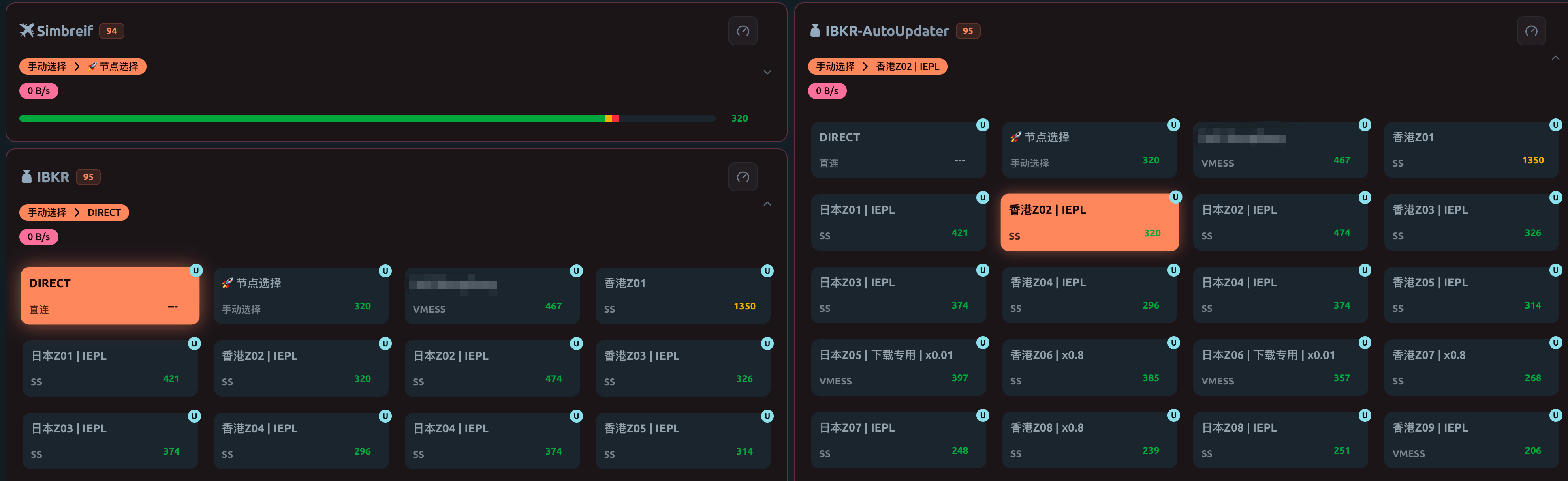
添加的代理组如下:
custom_proxy_group=💰 IBKR-AutoUpdater`select`[]DIRECT`[]🚀 节点选择`.*
custom_proxy_group=💰 IBKR`select`[]DIRECT`[]🚀 节点选择`.*
那么在Mihomo中就可以自由选择我们的代理了:
配置程序代理
那么接下来就能直接配置程序代理使其正常启动了,分析vmoptions.txt时,可以发现在macOS上是包含的另一个文件:
-include-options /Users/evalexp/Applications/IBKR Desktop/ntws.vmoptions而这个文件的内容是这样的:
#
# This file contains VM parameters for IBKR Desktop.
# Each parameter should be defined in a separate line and the
# last line must be followed by a line feed. No leading or
# trailing whitespaces are allowed in the same line, where a
# parameter is defined.
#
# Lines starting with a '#' character are treated as comments
# and ignored. Additionally, if a line contains a
# '### keep on update' string, all parameters defined below will
# be preserved on update.
#

-XstartOnFirstThread
-Xms1g
-Xmx3g
-XX:+UseParallelGC
-XX:MaxGCPauseMillis=50
-XX:ParallelGCThreads=4
-XX:ConcGCThreads=4

### keep on update
于是通过Java的-D添加对应的代理:
#
# This file contains VM parameters for IBKR Desktop.
# Each parameter should be defined in a separate line and the
# last line must be followed by a line feed. No leading or
# trailing whitespaces are allowed in the same line, where a
# parameter is defined.
#
# Lines starting with a '#' character are treated as comments
# and ignored. Additionally, if a line contains a
# '### keep on update' string, all parameters defined below will
# be preserved on update.
#

-XstartOnFirstThread
-Xms1g
-Xmx3g
-XX:+UseParallelGC
-XX:MaxGCPauseMillis=50
-XX:ParallelGCThreads=4
-XX:ConcGCThreads=4

# add auto-updater proxy
-Dhttps.proxyHost=127.0.0.1
-Dhttps.proxyPort=46721
-Dhttp.proxyHost=127.0.0.1
-Dhttp.proxyPort=46721

### keep on update观察面板的连接情况,可以发现download2已经是正常走代理:

程序启动正常: